How to Use AI Without Losing the Human Touch
AI can save you hours.
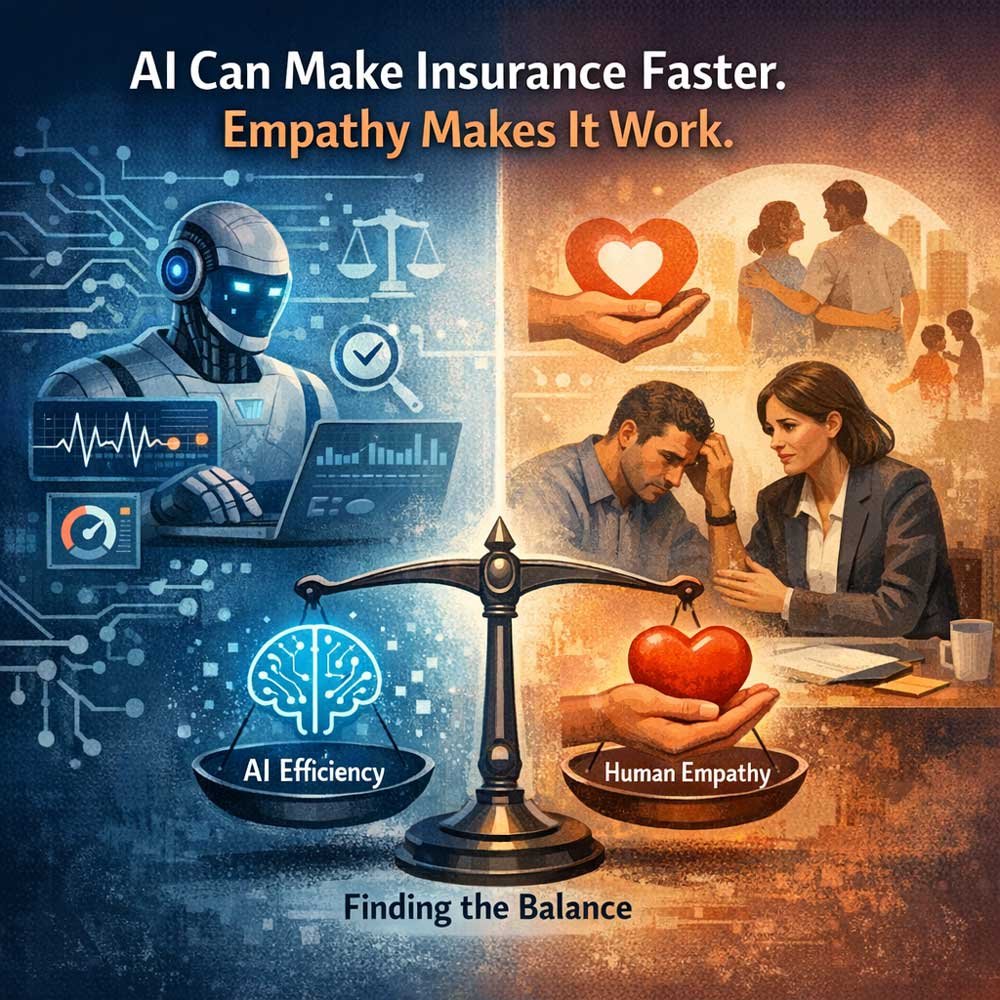
But if your messages start sounding like a robot, it costs you something bigger: trust.
This guide is the IAD way to use AI:
- faster follow-up
- clearer client communication
- less stress on your week
- without losing what makes clients choose you
Because your edge isn’t “better wording.”
Your edge is being the person who makes people feel seen, safe, and guided.
The 10-second “Human Touch Test”
Before you send anything AI helped draft, ask:
If my client read this, would they feel cared for—or processed?
If it feels processed, fix it.
You don’t need a full rewrite.
You usually need one human line.
What the human touch really is (in insurance)
The human touch isn’t fluff. It’s function.
It’s when your client feels:
- Clarity — “I understand what happens next.”
- Consistency — “They didn’t forget me.”
- Confidence — “This agent is steady and professional.”
- Care — “They actually listened.”
AI can support all four.
But only if you give it the right job.
The IAD rule: AI does drafts. You do trust.
AI is great at first drafts.
You are great at:
- judgment
- empathy
- tone
- the one sentence that proves you listened
If you ask AI to “sound human,” it will try.
But it won’t know your client.
That’s your part.
The best uses of AI that still feel human
1) Follow-up emails and texts
Use AI to draft:
- missed call texts
- appointment confirmations
- “next step” follow-ups
- reactivation messages
Human touch add-on (one sentence):
Add a line that came from the real conversation.
Examples:
- “Thanks again for making time today.”
- “You asked a smart question—most people don’t.”
- “I know this can feel confusing. We’ll keep it simple.”
One line changes the whole message.
2) Plain-English explanations
Clients don’t want more information.
They want understanding.
Use AI to turn industry language into:
- short sentences
- clear definitions
- no jargon
Then you add the part AI can’t: your guidance.
3) Objection replies (without pressure)
AI can help you respond to:
- “I need to think about it.”
- “I want to shop around.”
- “It’s too expensive.”
Human touch add-on:
Start with respect.
Examples:
- “That makes sense.”
- “I’m glad you’re taking your time.”
- “Good—let’s compare it the right way.”
Then give one calm next step.
4) Content that answers real client questions
AI is great for:
- blog outlines
- FAQs
- short educational emails
- weekly social posts
Human touch add-on:
Use real questions you heard this week.
That’s how you stay relevant without sounding generic.
The #1 way agents accidentally lose the human touch
They give AI a vague prompt.
“Write a follow-up email about Medicare.”
That usually produces something that feels:
- generic
- too long
- too salesy
- not you
AI needs constraints.
If you want human output, you must set human rules.
The Human-First AI Workflow (copy this)
Use this every time. It’s simple and repeatable.
Step 1: Write 3 bullets from your notes
- what they care about
- what they asked
- what the next step is
Step 2: Draft with AI using placeholders only
Use:
- [Client]
- [City]
- [Carrier]
- [Plan]
- [Next Step]
Step 3: Add one human line
Pick one:
- appreciation (“Thanks for your time…”)
- validation (“That’s a normal question…”)
- reassurance (“We’ll keep this simple…”)
Step 4: Run a quick risk scan
Ask AI to flag:
- guarantees
- pressure language
- misleading statements
- anything that sounds like advice beyond a draft
Step 5: Make the next step obvious
One message. One action.
Examples:
- “Want me to send two options?”
- “Does Tuesday at 2 or Thursday at 10 work?”
- “Reply YES and I’ll lock it in.”
Guardrails (so AI doesn’t create risk)
Use these every time:
- Never paste private client data (names, SSNs, policy numbers, health info)
- Don’t let AI “decide” coverage — you decide, AI drafts
- Avoid guarantees (“will qualify,” “best plan,” “saves you”)
- Keep urgency honest (no pressure, no fear language)
- Review for accuracy (AI can be confidently wrong)
If you’re unsure, don’t use AI for that task.
Copy/Paste: IAD Brand Voice Prompt
Use this once. Save it. Reuse it.
Prompt:
You are writing as an independent insurance agent.
Tone: calm, professional, direct. Short sentences.
Reading level: simple and clear.
Avoid: hype, pressure, fear language, guarantees, jargon.
Goal: make the client feel understood and guided.
Length: emails under 150 words. Texts under 240 characters.
Output: give 2 versions (standard + shorter). End with one simple question when possible.
Copy/Paste: “Risk Scan” Prompt
Prompt:
Review the message below for risk.
Flag any guarantees, misleading claims, pressure language, or compliance concerns.
Suggest safer replacements without adding new claims.
Keep it short.
Message: [PASTE DRAFT]
Download the Human-First AI Kit (Free)
If you want the printable version of this system, grab the free kit:
What’s inside:
- 1-page Human-First AI Checklist
- 25 copy/paste prompts (texts, emails, objections, referrals, reviews)
- Brand Voice prompt + Risk Scan prompt
- 7-day rollout plan (so it sticks)
Button text: Download the Human-First AI Kit
Microcopy: Templates only. No spam. Unsubscribe anytime.
A 7-day plan to make this stick (without overwhelm)
Day 1: Save your Brand Voice prompt + Risk Scan prompt
Day 2: Build 3 follow-up emails you reuse weekly
Day 3: Build 5 texts (missed call, reschedule, doc request, reminder, thank-you)
Day 4: Build 3 objection replies (calm, not pushy)
Day 5: Build referral ask + review request
Day 6: Draft one blog outline from real client questions
Day 7: Choose one weekly habit: refresh templates every Monday
FAQ
Can insurance agents use AI for client messages?
Yes. Use it for drafts, then review and personalize. Never include private client info in prompts.
How do I stop AI from sounding robotic?
Give AI tone rules, keep the message short, and add one sentence that proves you listened.
Should I automate AI messages to clients?
Be careful. Automation can remove trust fast. Use AI to build templates, then personalize before sending.
What’s the safest way to start using AI as an agent?
Start with follow-up templates and plain-English explainers. Add risk scan prompts. Keep everything short and human.
Final takeaway
AI should make your business feel lighter.
Not colder.
Use AI to remove busywork.
Use your voice to keep trust.
If you want the done-for-you templates and prompts, download the Human-First AI Kit and build your first 10 templates this week.